10 free gift certificate templates for Microsoft Word. Type the names and amount, then print 3 certificates on one sheet of paper. They also open in Google Docs, Pages and LibreOffice. No sign-up, free for personal and business use.
Download all 10 Word templates (ZIP, 29 KB)
Free Gift Certificate Templates for Word
Each file is a regular Word document (.docx) with three identical certificates on a US Letter page, separated by dashed cutting lines. Every line is ready to type on, so there is nothing to draw or line up.
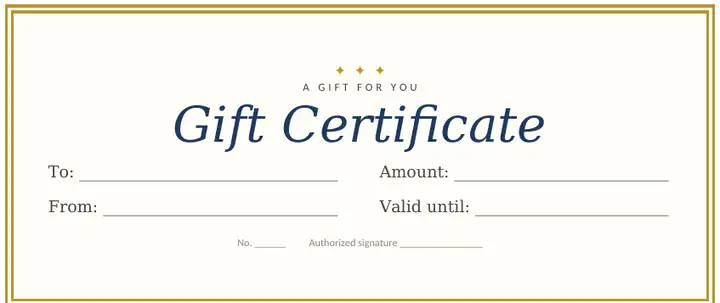 Classic navy and goldDownload Word file
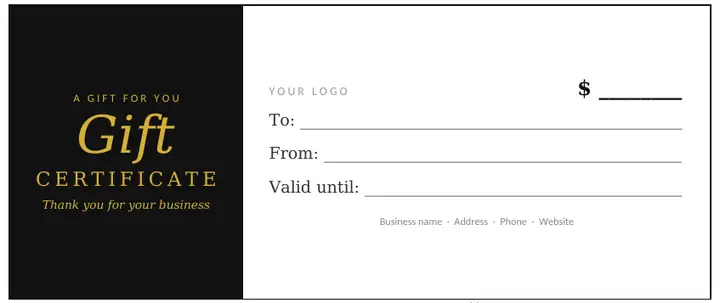 Black and gold businessDownload Word file
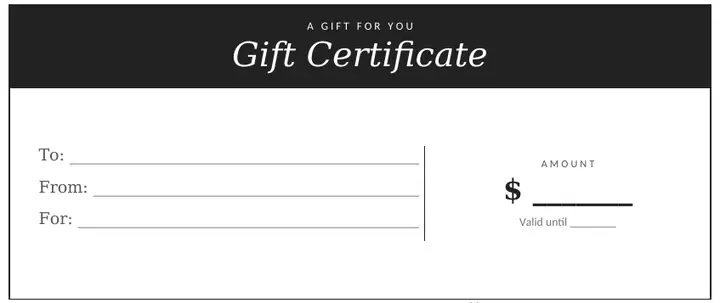 Modern minimalDownload Word file
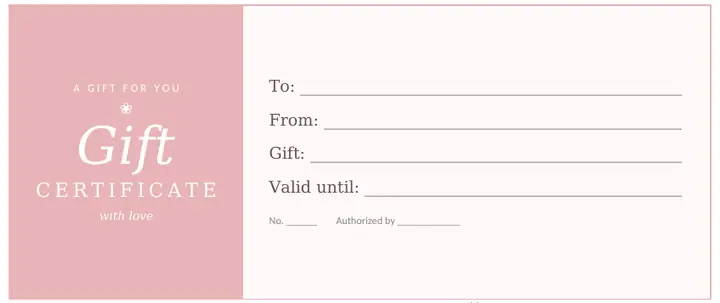 Blush pinkDownload Word file
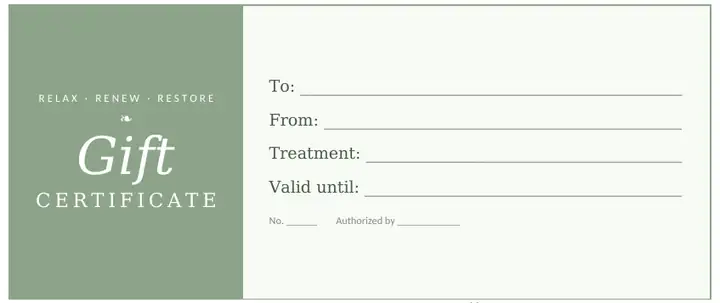 Sage spaDownload Word file
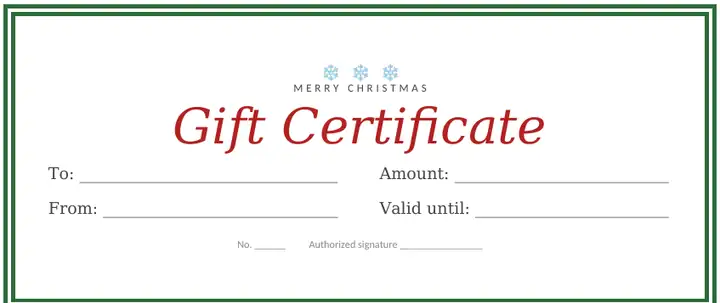 Christmas red and greenDownload Word file
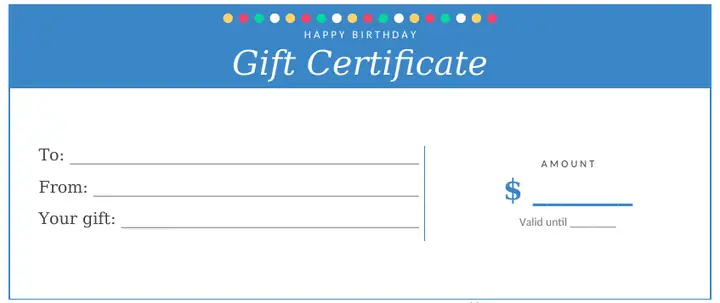 Birthday confettiDownload Word file
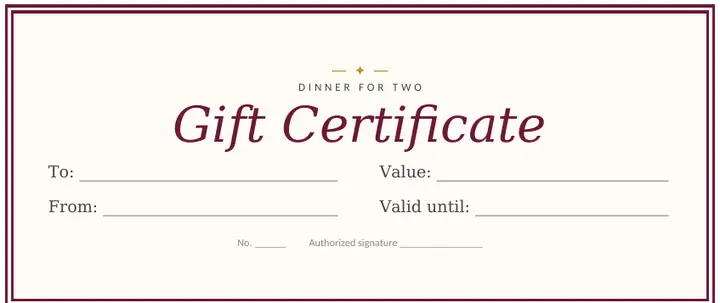 Restaurant dinner for twoDownload Word file
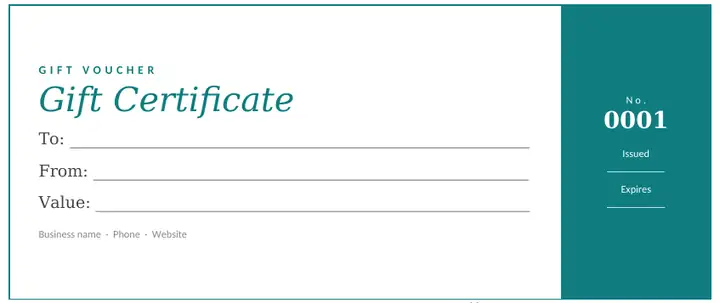 Teal voucher with number stubDownload Word file
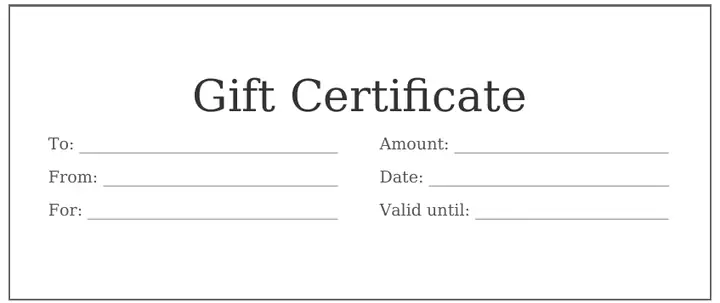 Plain and simpleDownload Word file
Want a design with photos, flowers or holiday graphics? Use our free online gift certificate maker instead (more on the difference below).
How to Fill In a Gift Certificate Template in Word
- Click Download Word file under the design you like and open the file. If Word shows a yellow Protected View bar, click Enable Editing.
- Click right after a label such as To: and start typing. The underline gets shorter as you type, so the line stays neat.
- Fill in the amount or the gift (for example “$50” or “One 60-minute massage”) and the date it’s valid until.
- The three certificates are separate, so you can make three different ones on the same page. To make three the same, fill in the first one, then copy each line into the other two.
- Click File > Print. Not using all three? Leave them blank and keep the page for next time.
Tip: if you’d rather write by hand, print the template as it is. The lines are long enough for handwriting.
How to Change the Colors, Text and Add Your Logo
- Change any word: select it and type. For example, change “A GIFT FOR YOU” to “HAPPY ANNIVERSARY” or “THANK YOU”.
- Change the text color or font: select the text, then pick a color or font on the Home tab.
- Change a colored panel: click inside it, go to Table Design (on a Mac: Table Design tab) and choose a new color under Shading.
- Add your logo: click Insert > Pictures, choose your logo, then set Wrap Text to In Front of Text and drag it over “YOUR LOGO” (the black and gold business design has a logo space). No logo? Make a simple one with our free monogram maker.
- Number your certificates: type a different number on each one (No. 0001, 0002, 0003…) and keep a list. The teal voucher has a numbered stub for this. See our simple tracking table.
How to Use These Templates in Google Docs, Pages or LibreOffice
| Program | How to open the template |
|---|---|
| Google Docs | Go to Google Drive, click New > File upload and choose the .docx file. Double-click it, then click Open with Google Docs. |
| Apple Pages (Mac, iPad) | Double-click the file or drag it onto the Pages icon. Pages converts it automatically. |
| LibreOffice / OpenOffice | Open the file with File > Open. It works as it is. |
| Word on the web (free) | Sign in to Office.com with a free Microsoft account, upload the file to OneDrive and open it. |
The colors, borders and lines carry over. If a program doesn’t have the same fonts, the text may look slightly different, so check the print preview before you print.
How to Print Your Gift Certificates
- Size: each certificate is 7.5 × 3.15 inches (19 × 8 cm), three to a page.
- US Letter or A4: the files are set up for Letter. For A4, go to Layout > Size > A4. The certificates fit without changes.
- Print at full size: choose “Actual size” or 100%, not “Fit to page”, so the borders don’t get cut off.
- Paper: white or cream cardstock (65–110 lb / 175–300 gsm) feels like a real gift certificate. Most home printers can take 65–80 lb cardstock.
- Cutting: cut along the dashed lines with a paper trimmer or a ruler and craft knife for straight edges.
- Presentation: put the certificate in a small envelope, or fold a sheet of colored paper around it with a ribbon.
What to Write on a Gift Certificate
| Occasion | Example wording |
|---|---|
| Birthday | Happy birthday! This certificate is good for one day of shopping, lunch on me. |
| Christmas | Merry Christmas! Good for a $50 dinner out at a restaurant of your choice. |
| Spa or salon | One 60-minute massage. Call 555-0123 to book your appointment. |
| Restaurant | Dinner for two, including dessert. Not valid on Saturdays. |
| Thank you | Thank you for all your help. Enjoy a $25 gift on us. |
| Homemade gift | Good for one weekend of babysitting, any time you need it. |
Selling gift certificates from your business? Add a number, an expiry date and short terms such as “Not redeemable for cash”. Check the rules where you live: in the US, federal law generally requires paid gift certificates to stay valid for at least 5 years, while free promotional ones can have shorter dates. See our sample terms and conditions.
Word Templates or the Online Gift Certificate Maker?
| Word templates (this page) | Online gift certificate maker | |
|---|---|---|
| Best for | Quick, simple certificates and printing several at once | Designs with photos, flowers and holiday graphics |
| What you need | Word, Google Docs, Pages or LibreOffice | Only a web browser |
| Works offline | Yes, once downloaded | No |
| Per page | 3 certificates | 1 (download as an image or PDF) |
| Logo | Insert a picture | Click Add image |
Browse the designs you can edit online: Christmas · birthday · massage & spa · business with your logo · wallet-size gift cards · Mother’s Day · Valentine’s Day · more printable templates
Frequently Asked Questions
Are these Word templates really free?
Yes. Download, edit and print as many as you like. You can use them for personal gifts and for your business, including certificates you sell to customers. Please don’t resell the template files themselves.
Which versions of Word do they work in?
They are .docx files, so they open in Word 2010 and newer on Windows, Word for Mac, Word on the web and the Word mobile app.
How do I make a gift certificate in Word without a template?
Insert a one-cell table (Insert > Table), give it a border and a fill color, and type “Gift Certificate” with lines for To, From and Amount. It works, but lining everything up takes a while, which is why these templates are ready to type in.
Can I print the certificates on card stock?
Yes. Pick the heaviest paper your printer handles in its settings (often called “Cardstock” or “Heavy paper”), and feed one sheet at a time if it jams.
Why do the lines get shorter when I type?
The lines are made with a tab “leader”, so the text and the line share the same space. This keeps every row the same length no matter how much you write.
Can I change the size of the certificates?
Yes. Click inside a certificate, then use Layout (in the table tools) to change the height and width. For a smaller wallet-size card, try our gift card templates.