Pick a Christmas gift certificate design, click “Customize this design”, type your own text and print it or send it by email. It’s free and you don’t need to sign up.
Free Christmas Gift Certificate Templates
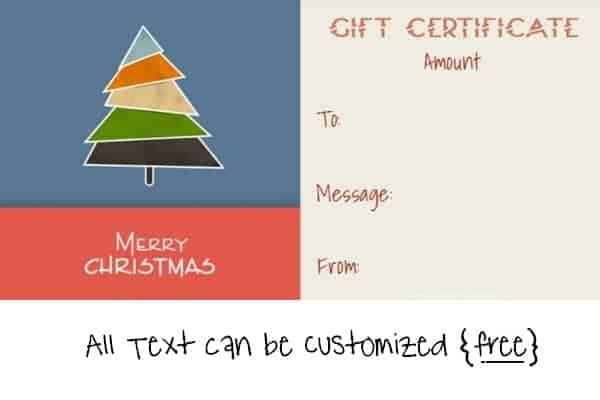
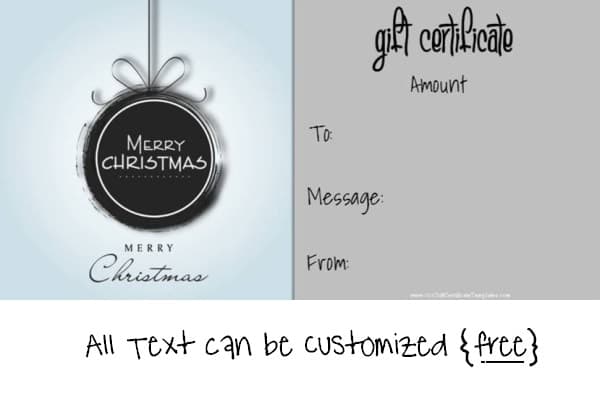
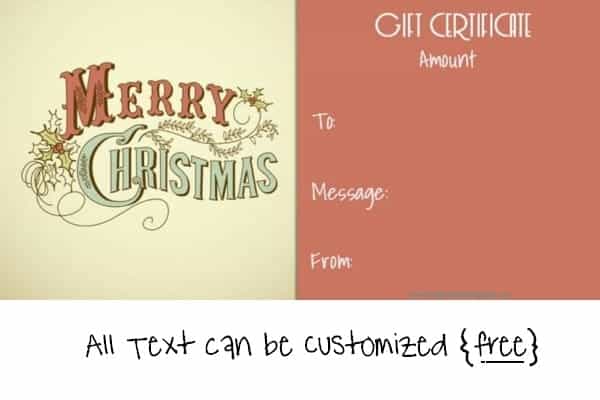
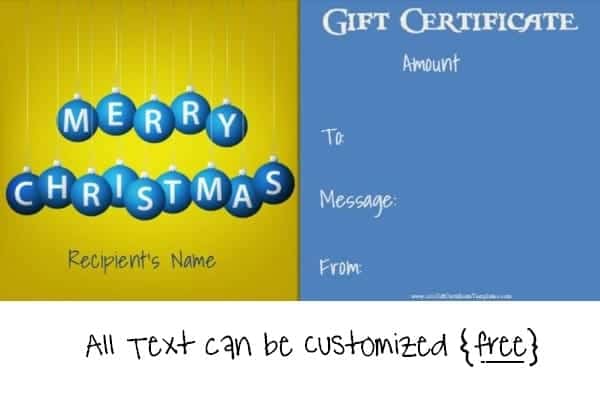
Each design below opens in our free online editor, where you can change every word, add a photo or clipart, and then download or print. They work as Christmas gift certificates, Christmas gift cards and holiday vouchers.
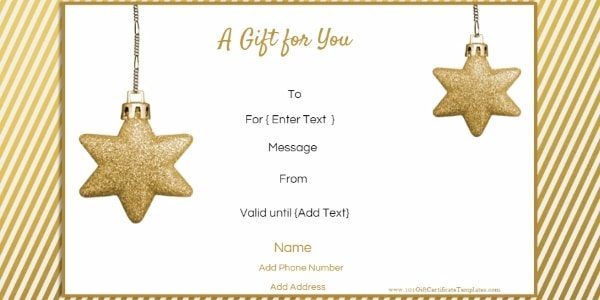

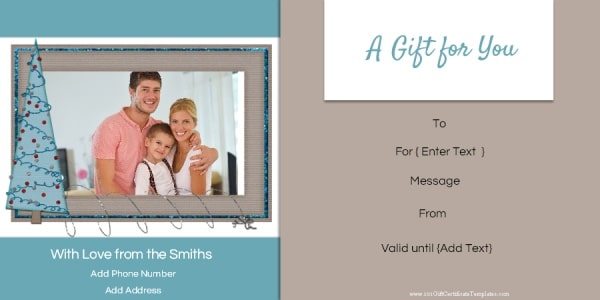
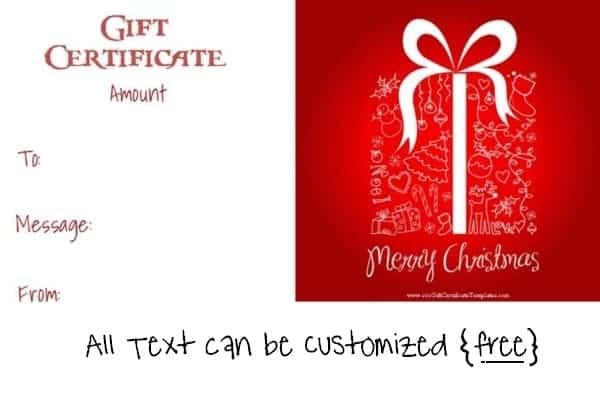
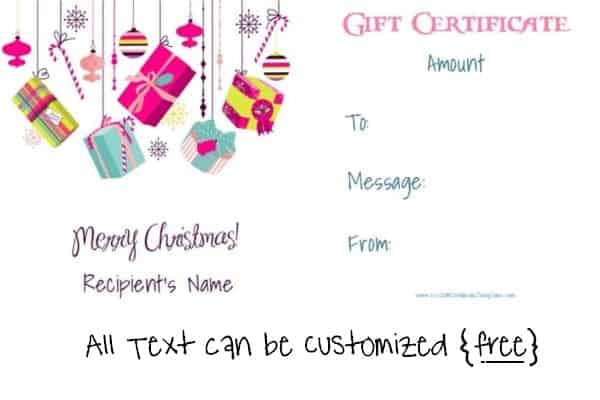

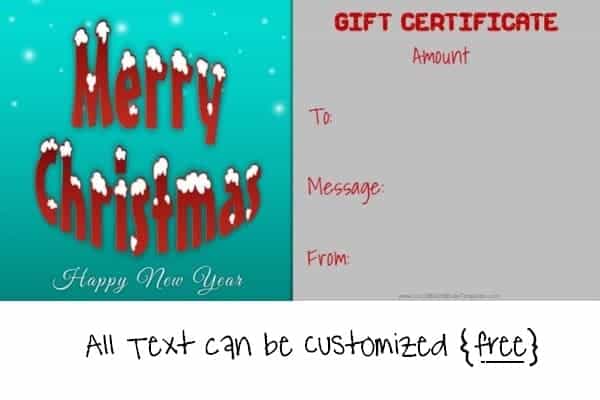
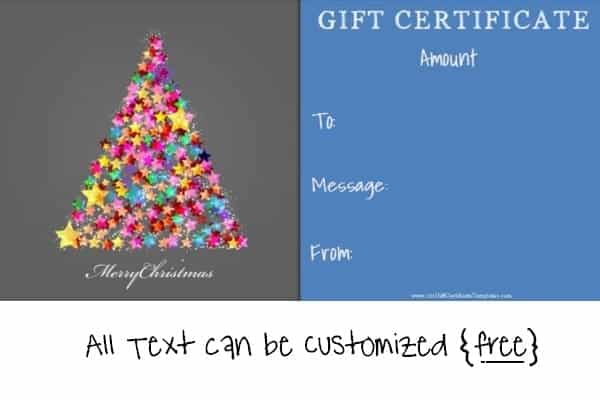

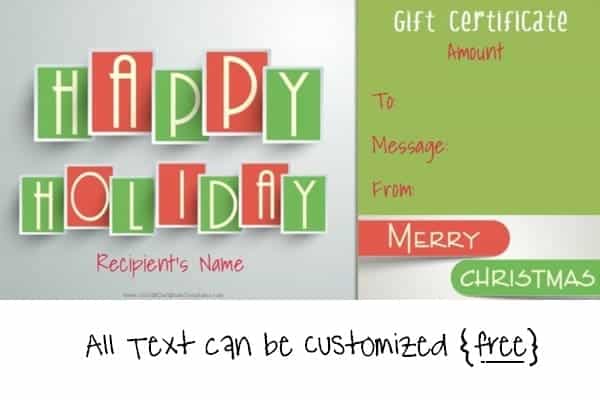
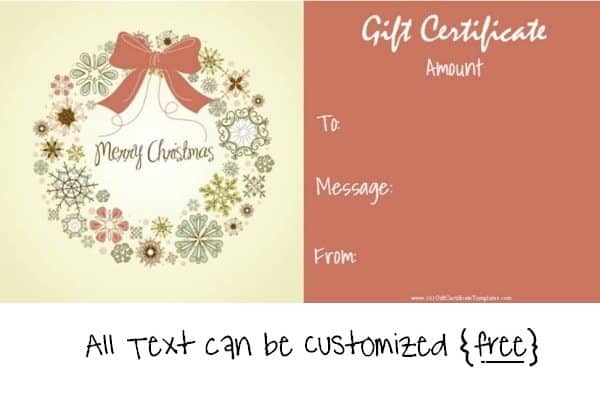
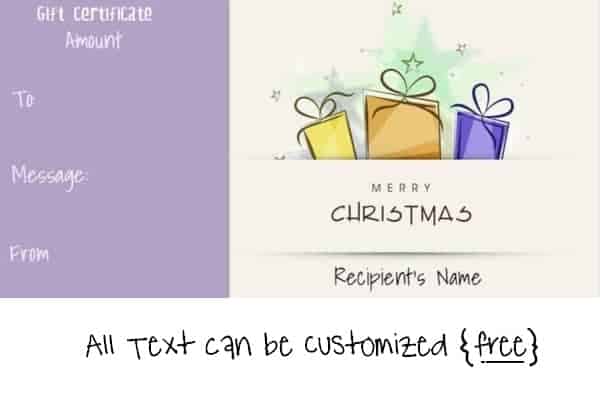
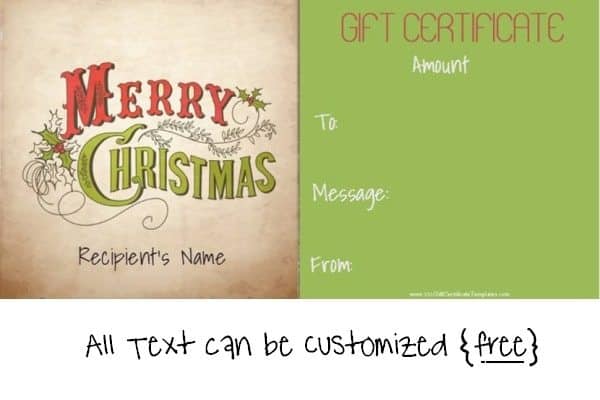
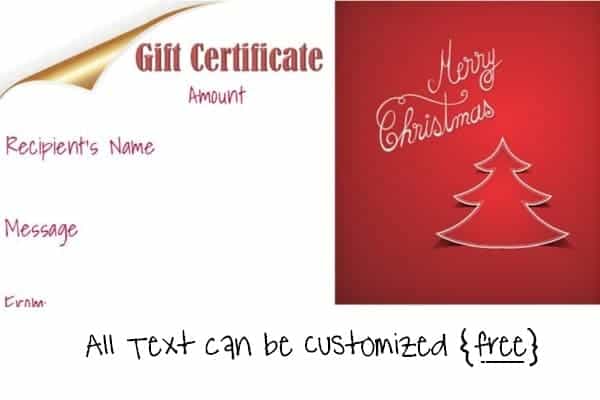



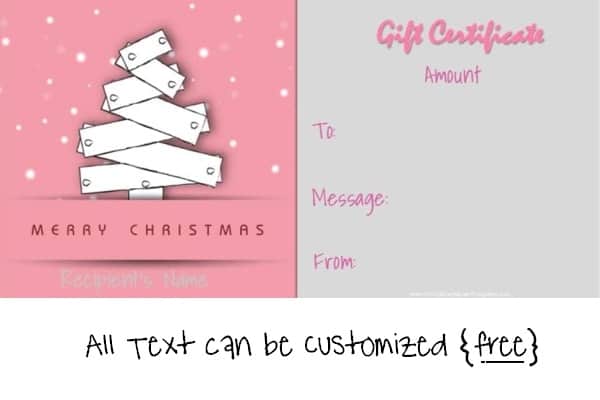
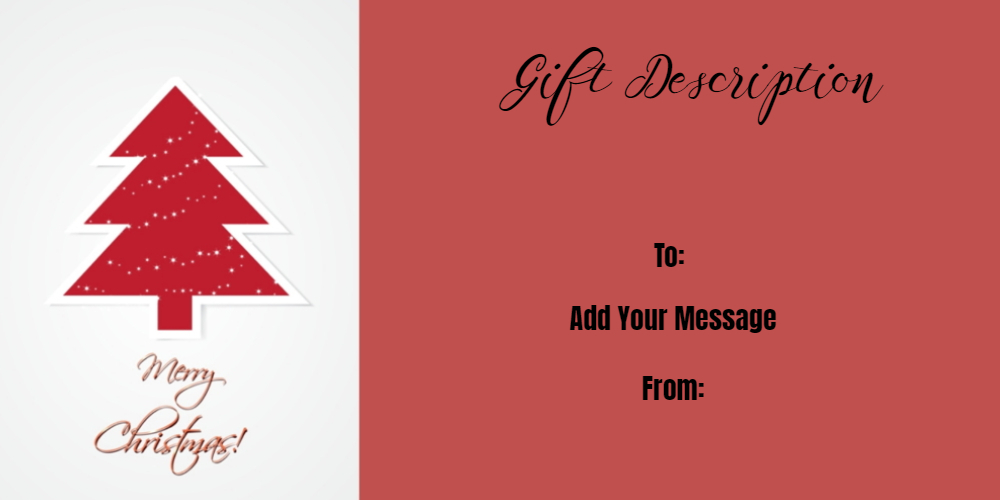
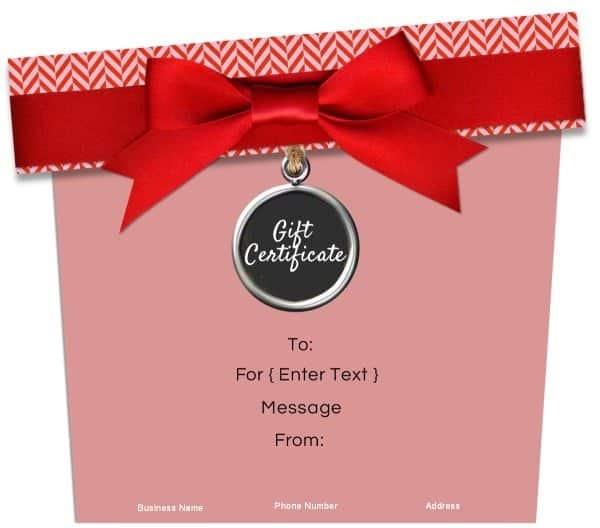
How to Make a Christmas Gift Certificate
- Choose a design above and click Customize this design. The editor opens in a new tab with that design loaded.
- Click any text to change it. Fill in who it’s for, what the gift is, and who it’s from. You can change the font, size and color.
- Add a photo or clipart if you like, using the Add image and Add clipart buttons.
- Download or print. Use the Download button to save it, or Print to print straight from the editor.
- Give it. Print it and tuck it into a card or under the tree, or send the downloaded file by email or WhatsApp.
Want a different design style? Use Swap template inside the editor to try another Christmas design without losing your place.
Printing Tips and Gift Certificate Sizes
Most of these designs are a long rectangle (twice as wide as they are tall). Here are sizes that print well at home:
| Print size | How many per page (Letter or A4) | Best for |
|---|---|---|
| 6 × 3 inches (15 × 7.5 cm) | 3 | Slipping into a card or a regular business envelope |
| 8 × 4 inches (20 × 10 cm) | 2 | A bigger certificate that looks good on its own |
| Full page width | 1 | Framing or giving in a large envelope |
To print several on one page: download the certificate, open a blank Word or Google Docs page, insert the image, set its width (for example 6 inches), then copy and paste it two more times. Leave a little space between them for cutting.
Paper: plain printer paper works, but white cardstock (65–110 lb / 175–300 gsm) looks and feels more like a real gift card. Use a paper cutter or ruler and craft knife for straight edges.
What to Write on a Christmas Gift Certificate
Keep it short and clear: say who it’s for, what the gift is, and when it can be used. Some examples:
| Recipient | Example wording |
|---|---|
| Partner | “Good for one Christmas date night – dinner and a movie of your choice. Valid until February 14.” |
| Mom or Dad | “This certificate entitles you to a full day of help around the house. Merry Christmas, with love from Sam.” |
| Grandparents | “One family photo session, printed and framed, just for you.” |
| Kids | “Good for one special outing with me – ice skating, the zoo or the movies. You choose!” |
| Teacher | “A $25 gift for your classroom. Thank you for a wonderful year – Merry Christmas!” |
| Coworker or employee | “Enjoy lunch on us! This certificate is worth $20 at Main Street Café. Happy Holidays from the team.” |
| Customer (business) | “$50 gift certificate. Valid until March 31. Not redeemable for cash. Certificate no. 0012.” |
For a business gift certificate, add an expiry date (check your local laws, as some places require a minimum period), a certificate number so you can track it, and your phone number or address.
Christmas Gift Certificate Ideas
A Christmas gift certificate can stand for money you add to it, or for something you’ll do or buy for the person later. Ideas that work well:
- Experiences: a spa or massage day, a cooking class, concert or theater tickets, a ski trip.
- Time together: a date night, a day trip, breakfast in bed, a baking afternoon with the grandkids.
- Help and favors: babysitting, cleaning the car, cooking dinner for a week, shoveling snow.
- Money with a purpose: put cash in an envelope with a certificate saying what it’s for, such as “toward your new bike”.
- From a business: a set amount, a free service or a percentage off the next visit.
Making several small “promises”? Try our Christmas coupon templates to build a whole coupon book.
A last-minute DIY Christmas gift
Forgot someone? You can make one of these certificates in a couple of minutes. Print it on cardstock, cut it out, and slip it into a card or a DIY gift card holder. Nobody needs to know it was last minute.
Frequently Asked Questions
Are these Christmas gift certificate templates really free?
Yes. You can customize, download and print every design for free, for personal or business use.
Do I need to create an account?
No. Open a design, edit it and download it. No sign-up is needed.
Can I send it by email instead of printing?
Yes. Download the finished certificate and attach it to an email, a text message or WhatsApp.
Can I add my own photo or logo?
Yes. In the editor, click Add image to upload a photo or your business logo, then drag it into place.
Can I make a Christmas gift card instead of a certificate?
These designs work as gift cards too. Print them at 6 × 3 inches on cardstock for a gift card feel, or see our gift card templates.
Merry Christmas