34 free business gift certificate templates. Add your logo, your business details and the value, then print as many as you need. Free for commercial use, no sign-up.
Templates for your type of business: massage & spa · hair salon · nail salon · bakery · photography · wallet-size gift cards · gift vouchers · discount coupons
Business Gift Certificate Templates with Your Logo
These designs already have a value badge, a logo space and a line for your address, phone number and website. Upload your logo with Add image, place it over the LOGO space, then change the text.
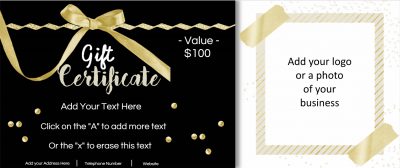 Black and gold bowCustomize this design
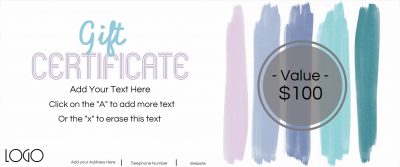 Watercolor brushstrokesCustomize this design
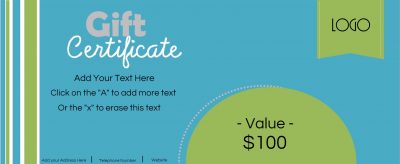 Blue and greenCustomize this design
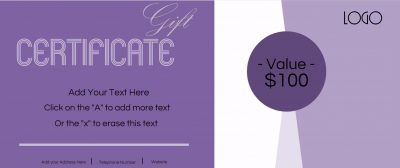 PurpleCustomize this design
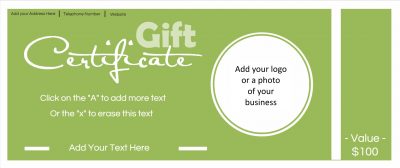 Green with logo circleCustomize this design
 Teal circlesCustomize this design
 Navy circlesCustomize this design
 Gold heartsCustomize this design
 Gold and tanCustomize this design
 Blue and tanCustomize this design
 Green and blackCustomize this design
Discount Vouchers and Promotional Gift Certificates
Front-and-back vouchers for offers such as “$10 off” or “a free cupcake”. The back has room for terms and an expiry date. They were made for a shoe store, photo studio, restaurant, nail salon, bakery and hair salon, but every word and photo can be changed to fit your business.
 $50 off (shoe store)Customize this design
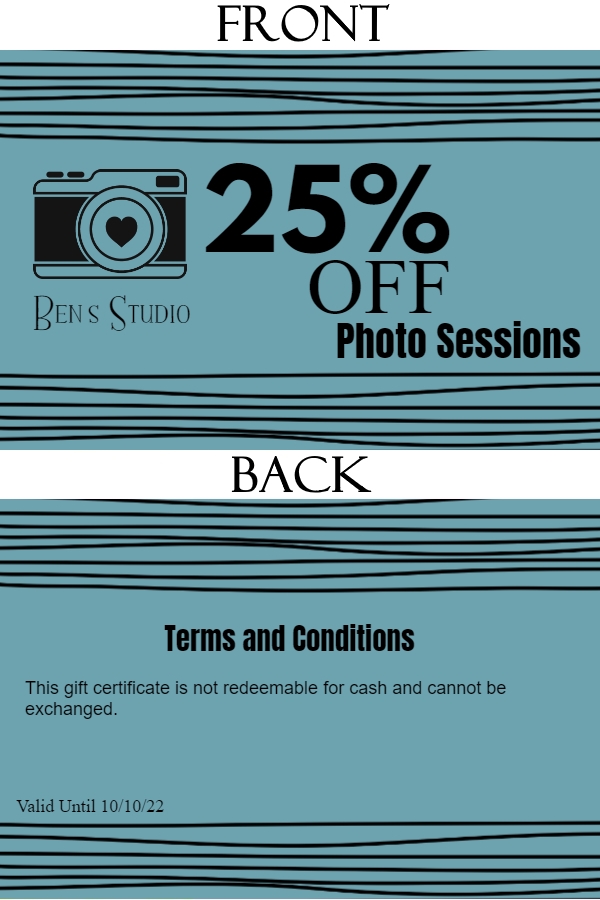 25% off (photo studio)Customize this design
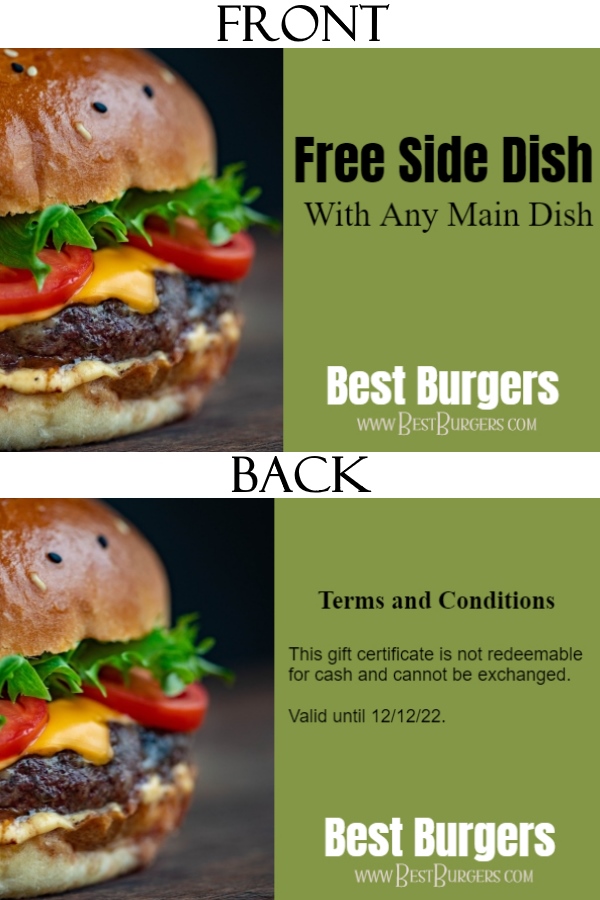 Free side dish (restaurant)Customize this design
 Free nail polish (nail salon)Customize this design
 25% off (cream and gold)Customize this design
 $10 off (kraft paper)Customize this design
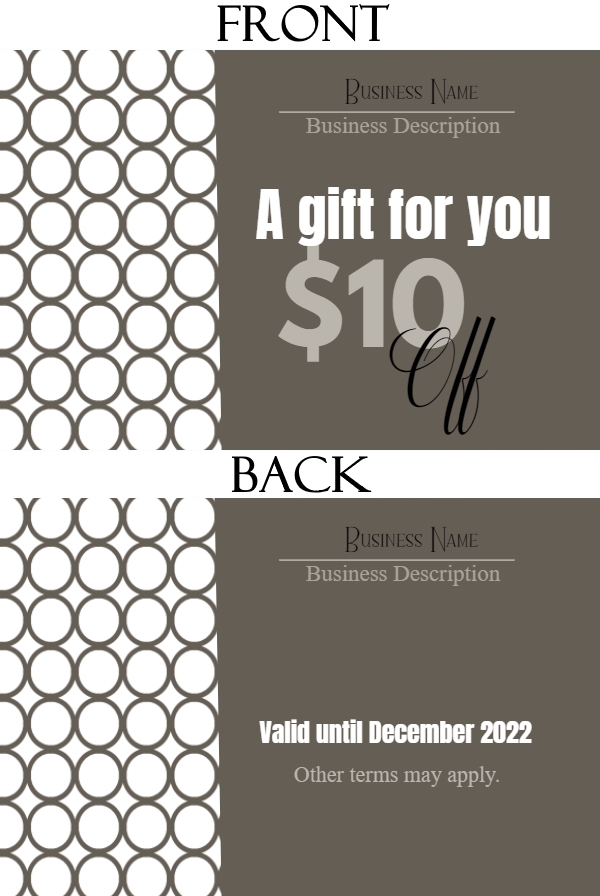 $10 gift (boutique)Customize this design
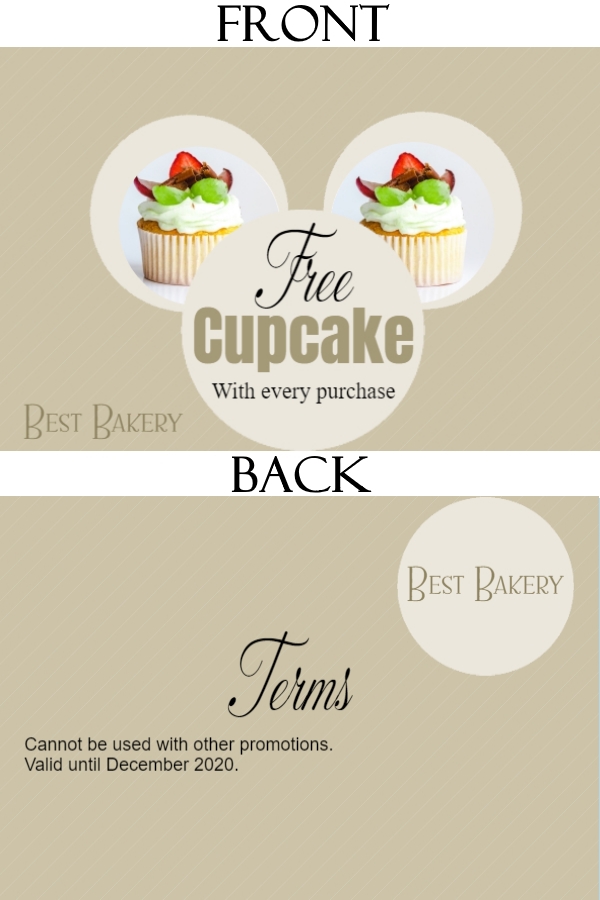 Free cupcake (bakery)Customize this design
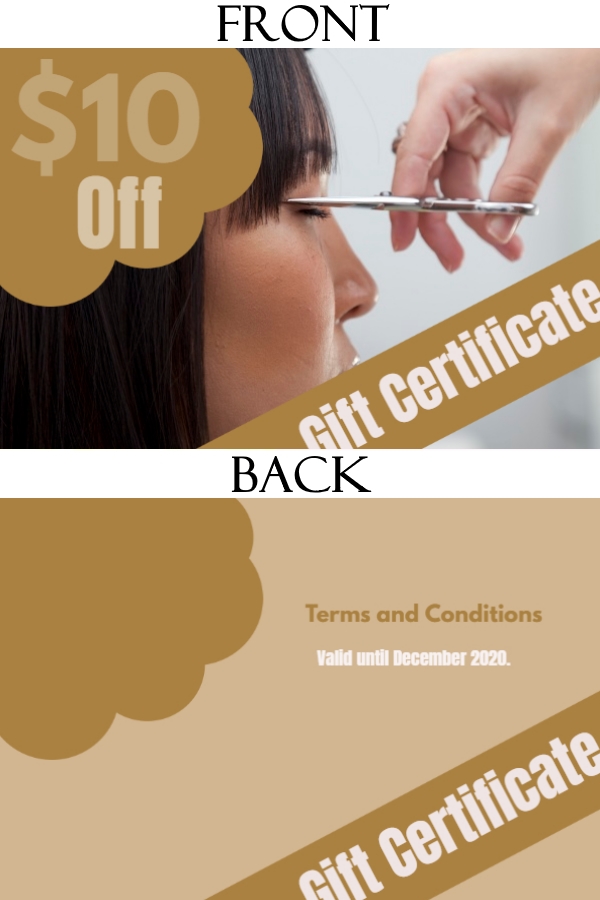 $10 off (hair salon)Customize this design
Simple Gift Certificates with a Dollar Value
Clean, square certificates with a large dollar amount. Good for shops that want something quick and neutral.
 Black trianglesCustomize this design
 GoldCustomize this design
 Black geometricCustomize this design
 Grey patternCustomize this design
 Diagonal stripesCustomize this design
More Gift Certificate Designs
These have “To / From” lines and suit a personal gift as well as a business. To make them look like your business, add your logo with Add image and type your details at the bottom.
 Pink flower wreathCustomize this design
 Gold flowerCustomize this design
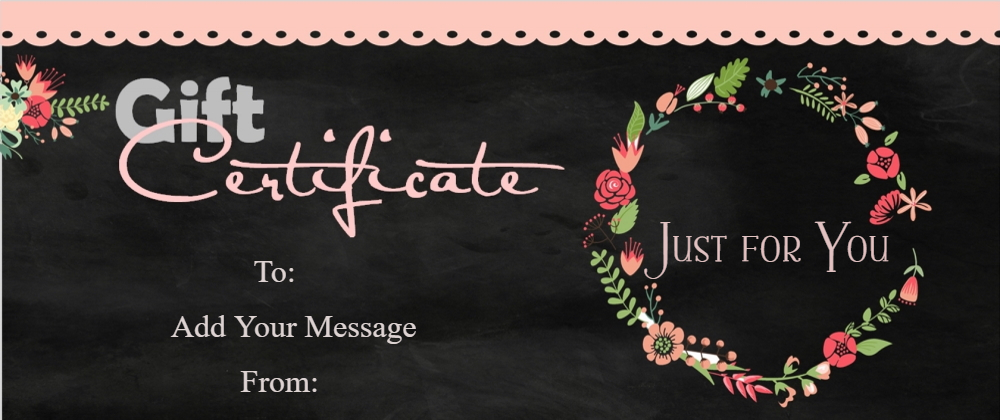 Chalkboard wreathCustomize this design
 Orange and greyCustomize this design
 Light blue ribbonCustomize this design
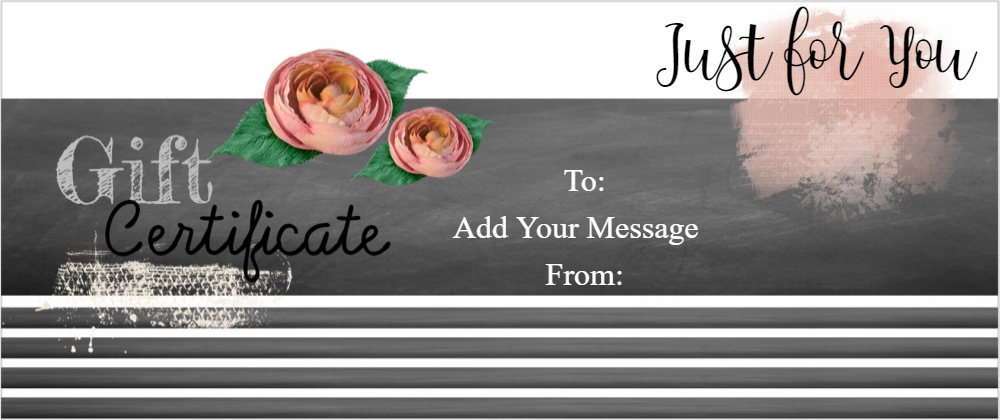 Pink rosesCustomize this design
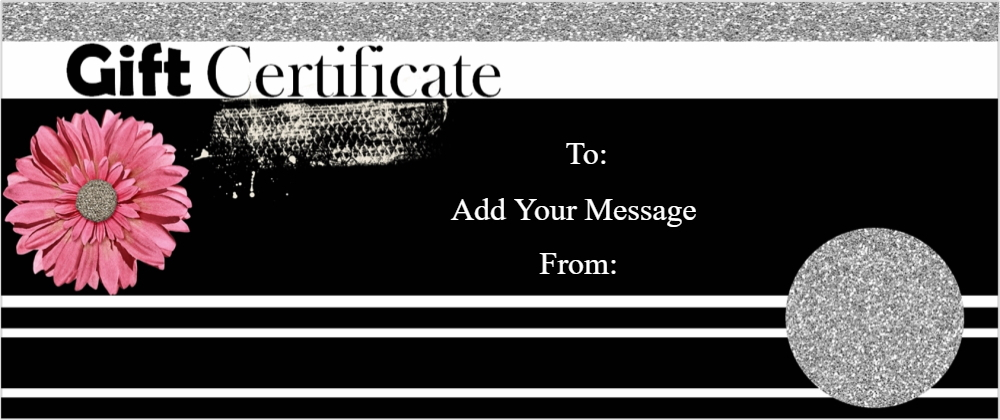 Pink daisyCustomize this design
 Black and whiteCustomize this design
 Green pastel stripesCustomize this design
How to Make a Gift Certificate with Your Logo
- Click Customize this design on the template you like.
- Click Add image and upload your logo. A PNG with a transparent background looks best. No logo yet? Make a simple monogram logo with our free monogram maker.
- Click any text to change it: your business name, the value or service, address, phone number and website.
- Type the certificate number and expiry date (see below).
- Click Download or Print.
What to Put on a Business Gift Certificate
| Detail | Example | Why |
|---|---|---|
| Business name and logo | Bloom Florist | The recipient knows where to use it. |
| Value or service | $50 or One haircut and blow-dry | A dollar value is flexible; a named service avoids confusion when prices change. |
| Recipient and buyer | To: Sarah · From: Dan | Makes it personal and helps if a certificate is lost. |
| Certificate number | No. 0107 | Lets you track each certificate and spot copies. |
| Expiry date | Valid until 31 December 2027 | Check local rules. In the US, federal law generally requires paid gift certificates to stay valid for at least 5 years; free promotional ones can have shorter dates. State and country rules vary. |
| How to redeem | Call 555-0123 to book · Present this certificate | Saves questions at the counter. |
| Short terms | Not redeemable for cash. Cannot be combined with other offers. | See our sample terms and conditions. |
| Signature or stamp | Signed by staff | Makes printed copies hard to fake. |
How to Track and Redeem Your Gift Certificates
You don’t need special software. A simple list in a notebook or spreadsheet works:
| No. | Date sold | Value | Bought by | Redeemed on |
|---|---|---|---|---|
| 0107 | 2 Dec | $50 | Dan Levi | 15 Jan |
| 0108 | 2 Dec | $100 | R. Smith | – |
- Number before you print: change the number in the editor and download each certificate, or leave a blank line and write the number by hand.
- When someone redeems a certificate, write the date in your list, and keep the certificate or mark it “USED”.
- Partial use: decide in advance whether you give change, a new certificate for the balance, or neither, and put it in your terms.
How Businesses Use Gift Certificates
- Holiday sales: display them at the counter before Christmas, Mother’s Day and Valentine’s Day.
- Bonus offers: “Buy a $100 gift certificate, get a $10 one free” (the free one can have a shorter expiry).
- Thank-you and referral rewards: give a small certificate to loyal customers or to anyone who refers a friend.
- Raffles and school auctions: donated gift certificates bring new customers through the door.
- Making things right: a certificate is a simple way to apologize for a mistake.
- Staff rewards: reward employees with your own services or products.
Printing Tips
- Size: the long designs print well at about 7 × 3 inches (18 × 7.5 cm), which fits 3 on a Letter or A4 page. The front-and-back vouchers can be printed side by side and folded.
- Several per page: download the certificate, insert it into a blank Word or Google Docs page, set the width and copy it. Or start from our gift certificate templates for Word, which already have 3 per page and a logo space.
- Paper: white or cream cardstock (80–110 lb / 215–300 gsm). For large quantities, a local print shop can print and cut them for you.
- Presentation: an envelope with your logo sticker makes a printed certificate feel like a real gift.
Frequently Asked Questions
Can I use these templates for my business?
Yes. All the templates are free for personal and commercial use. You can sell the certificates you make.
How do I add my logo?
In the editor, click Add image, upload your logo and drag it into the logo space.
Can I number each gift certificate?
Yes. Change the number in the editor before you download each one, or leave a blank and write the number by hand.
Do business gift certificates need an expiry date?
It depends on where you are. In the US, federal law generally says paid gift certificates can’t expire within 5 years, and some states have stricter rules. Promotional (free) certificates can usually have shorter dates. Check the rules for your location.
What’s the difference between a gift certificate, a voucher and a coupon?
A gift certificate is usually paid for and given as a gift. A voucher or coupon is usually a free discount or offer, such as “$10 off”. See our gift vouchers and coupon maker.